
DVDFab Ver. 7.0.3.2 Beta
ประโยชน์ที่คาดว่าจะได้รับจากโปรแกรม :
- Copy DVD โดยที่สามารถลบรหัสการป้องกันที่ติดมากับแผ่นได้ (Protections CSS RC RCE APS UOPs ARccOS RipGuard FluxDVD CORE X2 etc.)
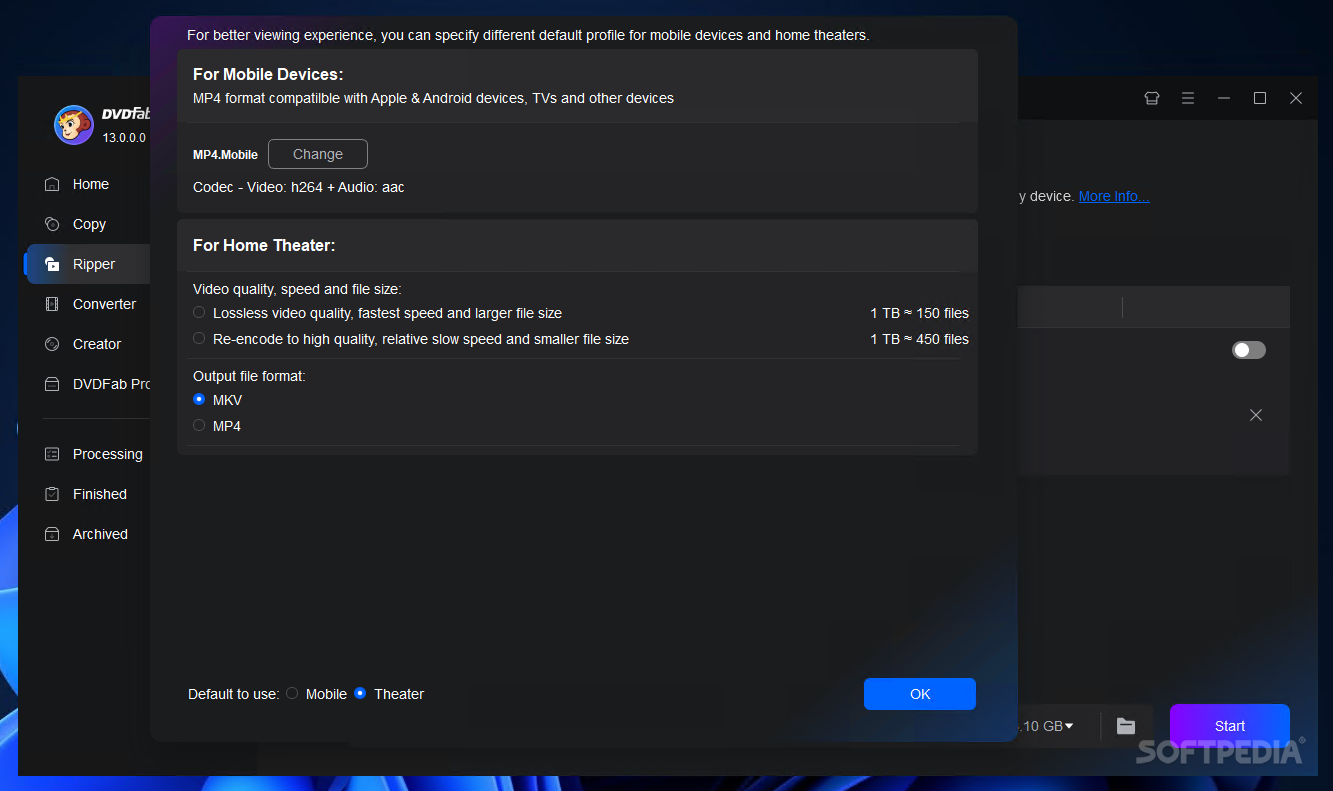
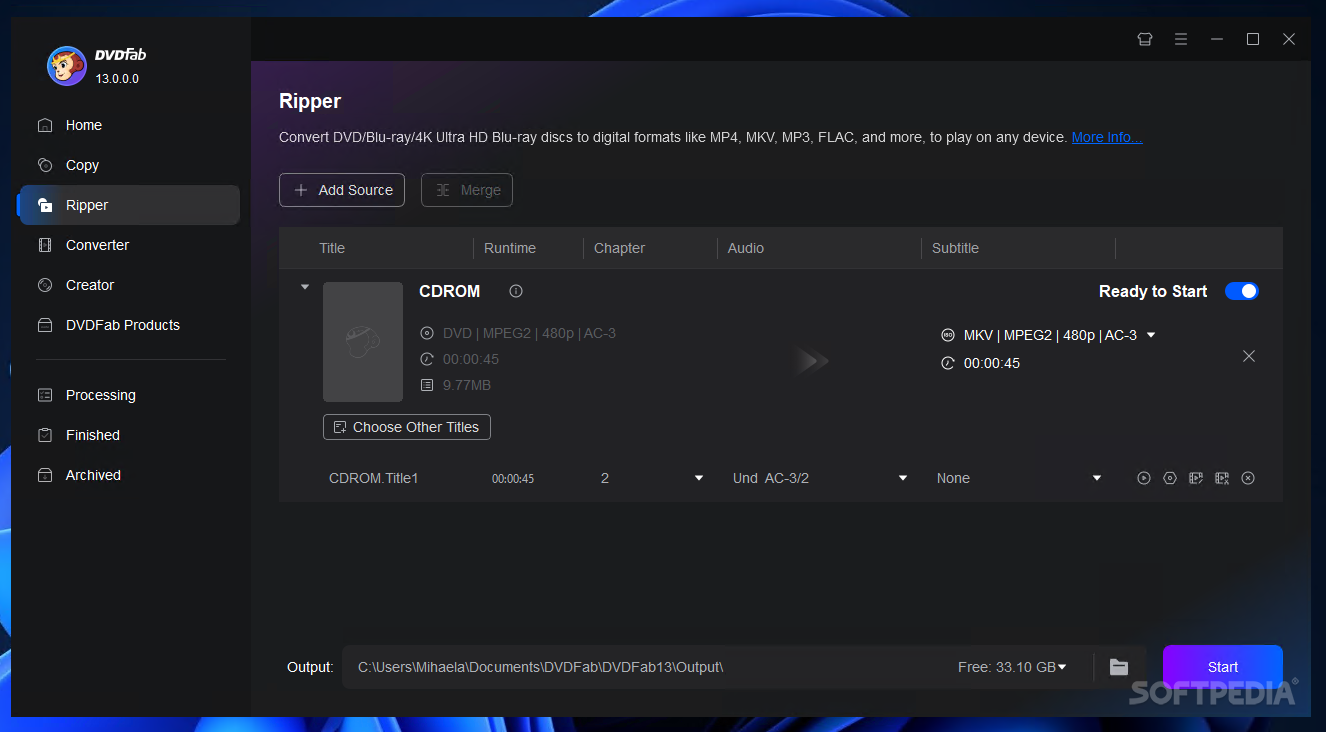
- แปลงไฟล์ DVD ไปเป็น Format ต่างๆ ที่เครื่องเล่นสามารถอ่านได้ (Generic (PC) iPod PSP Zune NDS Xbox 360 PS3 Cell Phone PVP PDA)
- แปลงหนัง DVD Movie / DVD-ISO ต้นฉบับที่เป็น DVD9 : นำมาแปลงเป็น DVD5 > 2 แผ่น โดยที่ยังคงคุณภาพ 100% เท่ากับต้นฉบับเดิม (ข้อนี้เป็นข้อเด่นๆ ที่นำมาใช้กันเยอะ เพราะว่าแผ่น DVD9 ยังคงมีราคาสูง เมื่อเทียบกับ DVD5 หลายคนจึงนิยมใช้แบบนี้กัน) [ถ้าพูดถึงโปรนี้ หลายคนจะนึกถึงประโยชน์ในข้อนี้ล่ะ]
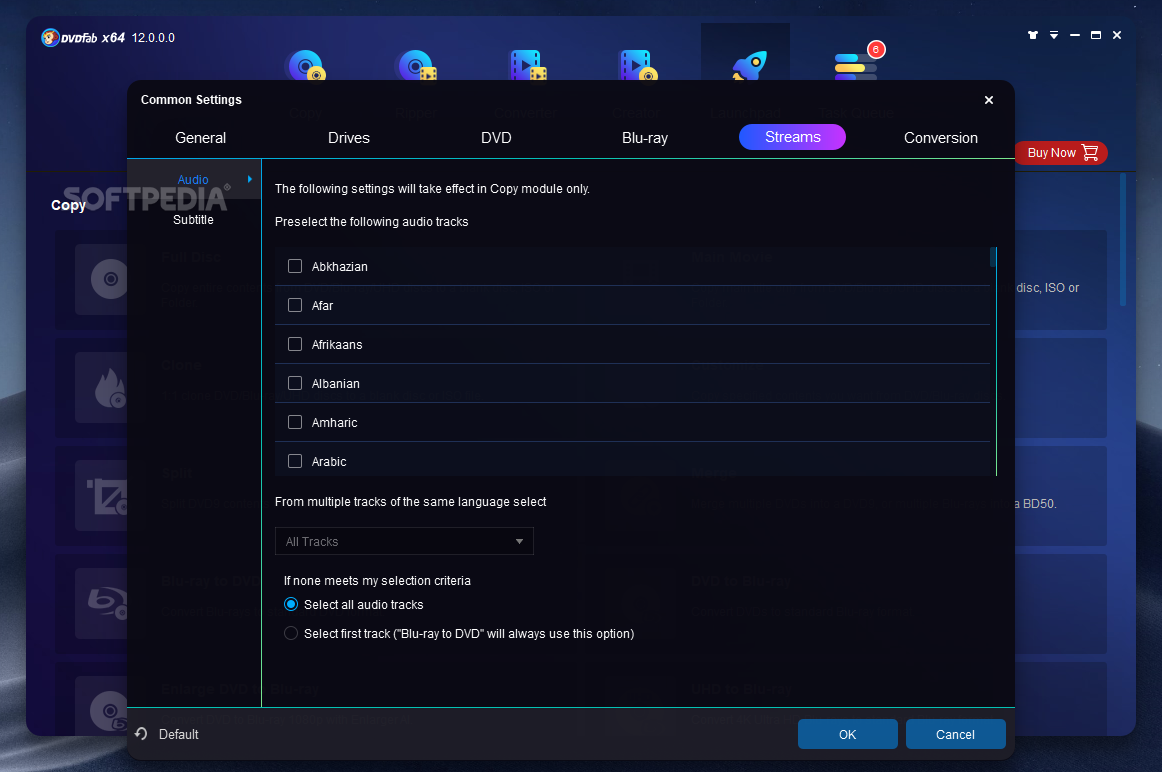
- สามารถเอา Sound / Subtitle ที่ไม่ต้องการออกจากตัวหนัง DVD ได้
- สามารถ Burn แผ่น DVD ได้ด้วย (DVD+R/RW DVD-R/RW DVD+R DL DVD-R DL)
- อันนี้อีกอันครับ ผู้ผลิตโปรแกรม บอกไว้ว่า << Very fast copying speed normally it s  10 - 20 minutes >> : [ไม่กล้าแปล เข้าใจกันเองนะครับ ^_ ]
ยังมีคุณสมบัติอื่นๆ อีกนะครับ ดูจากภาษาอังกฤษเอานะ 
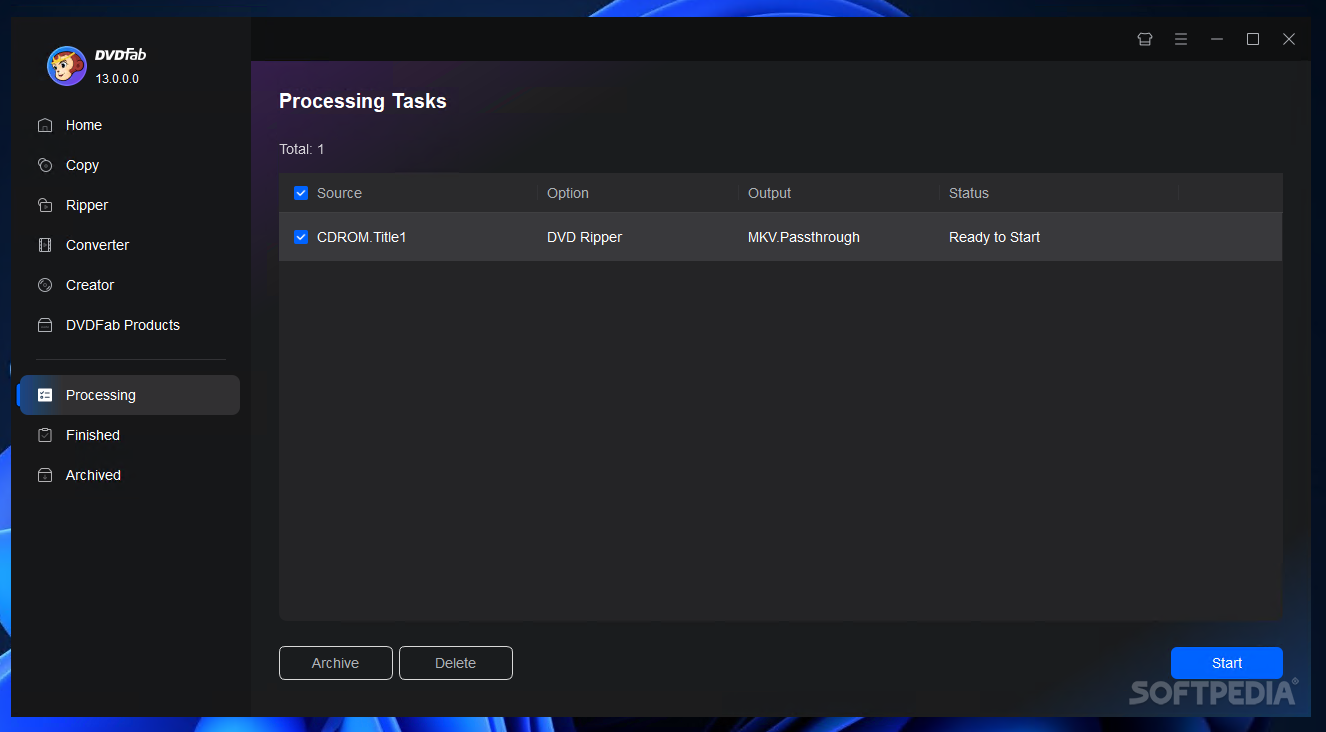
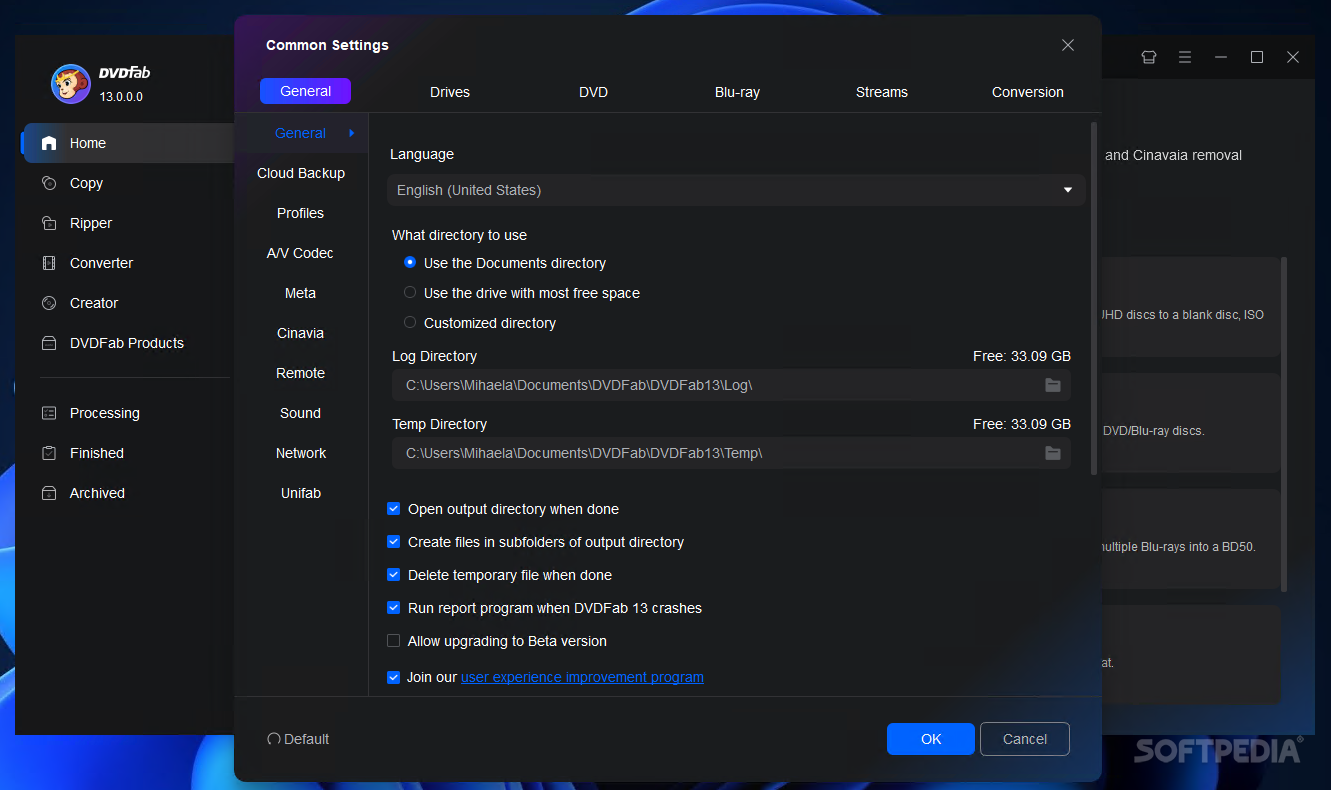
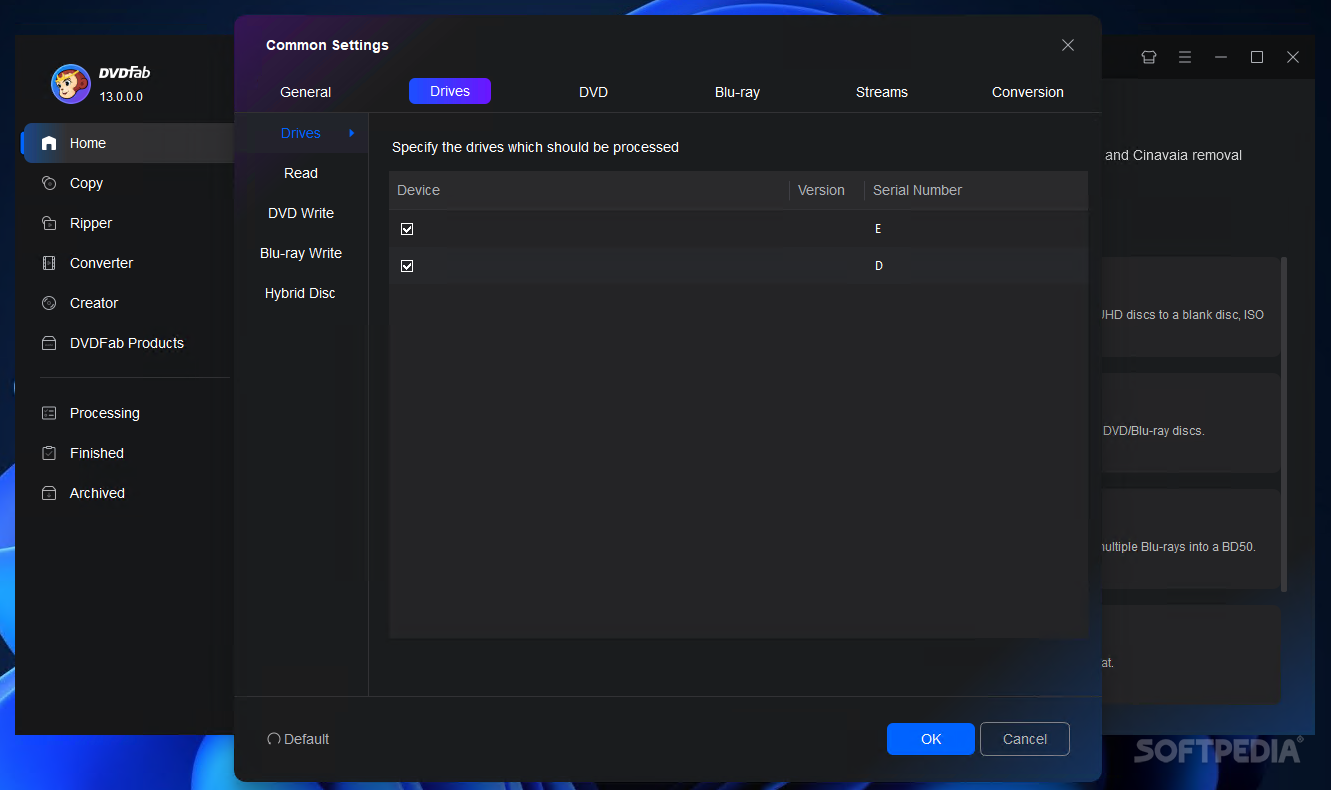
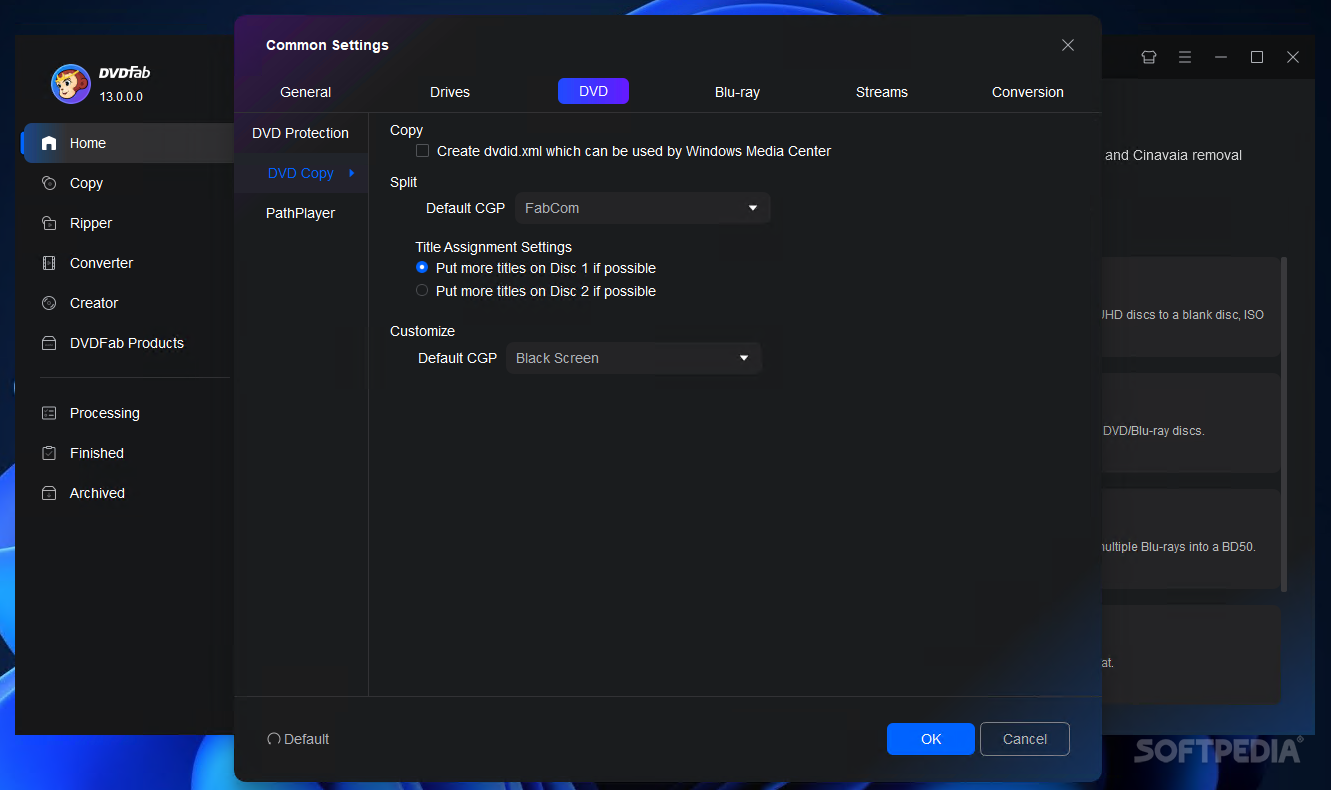
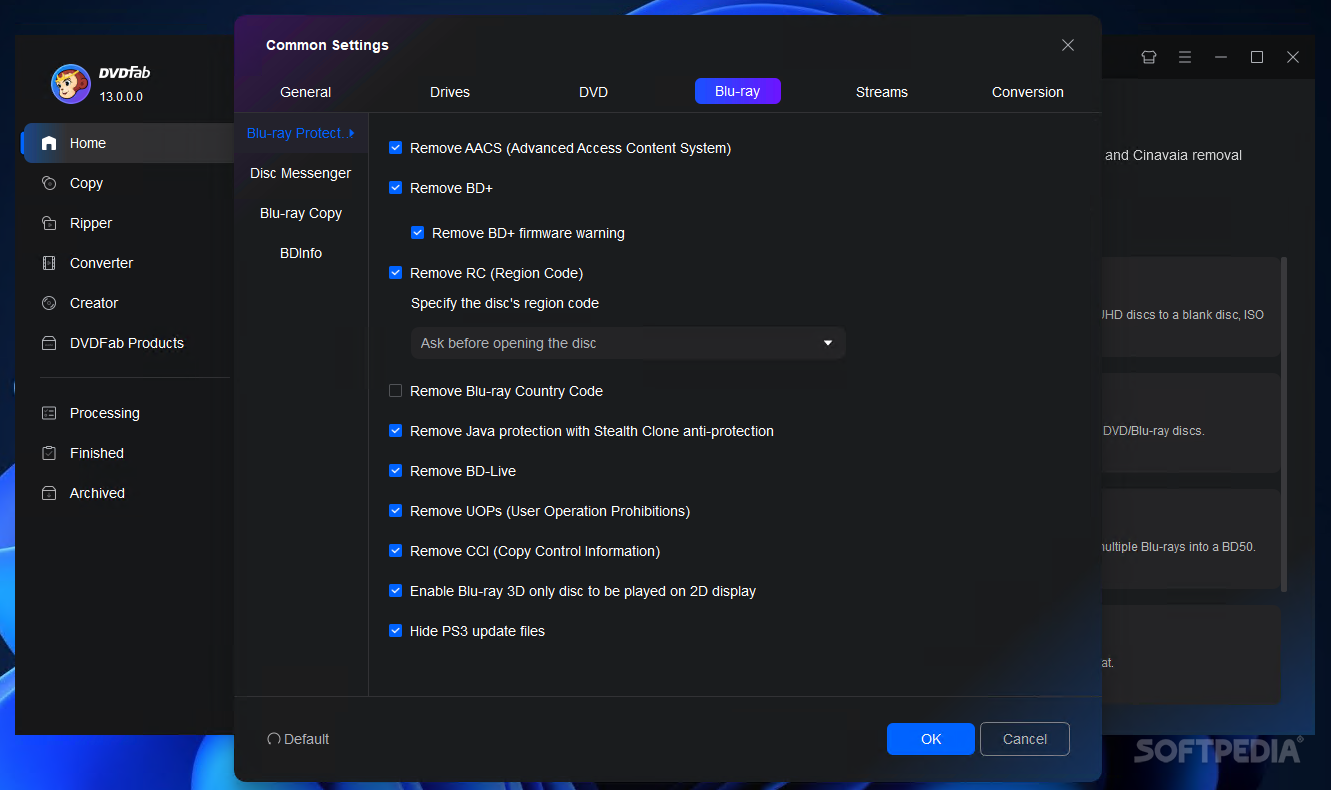
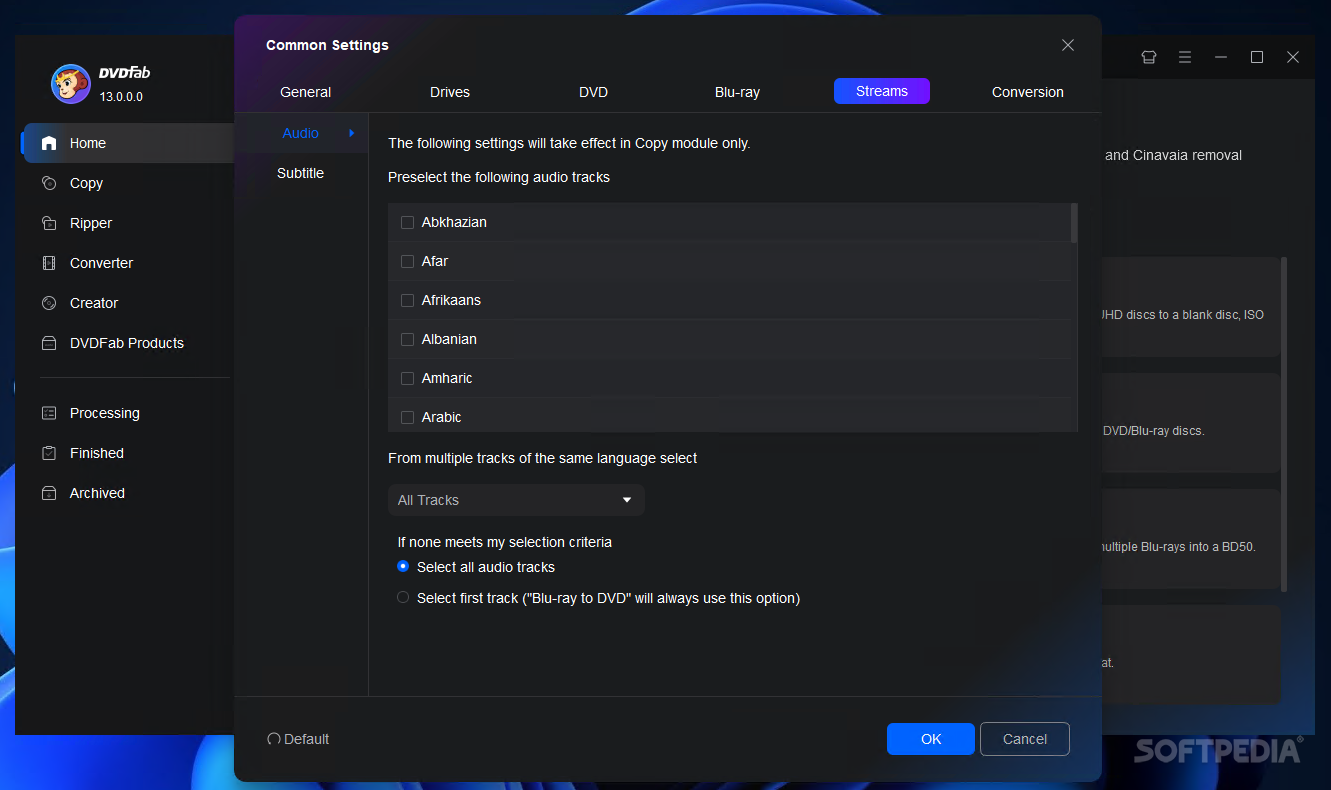
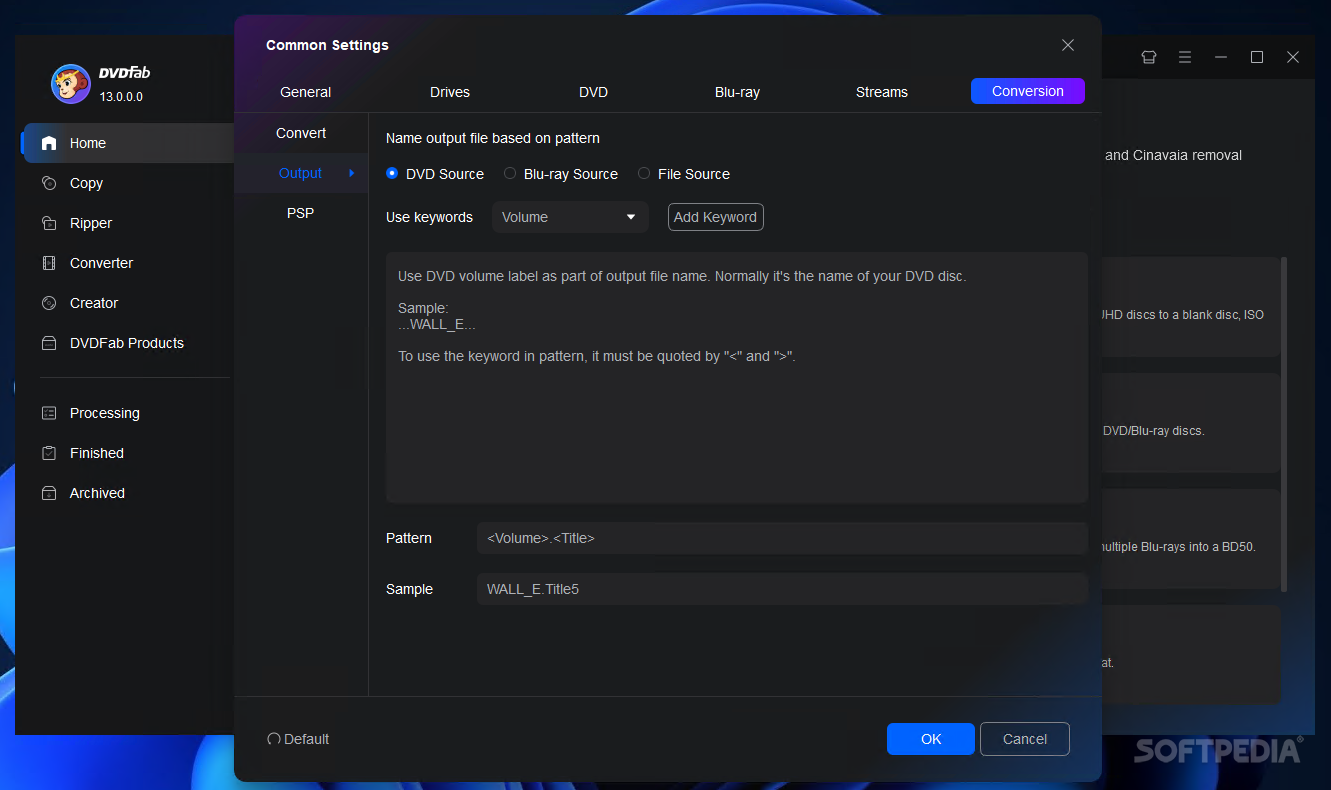
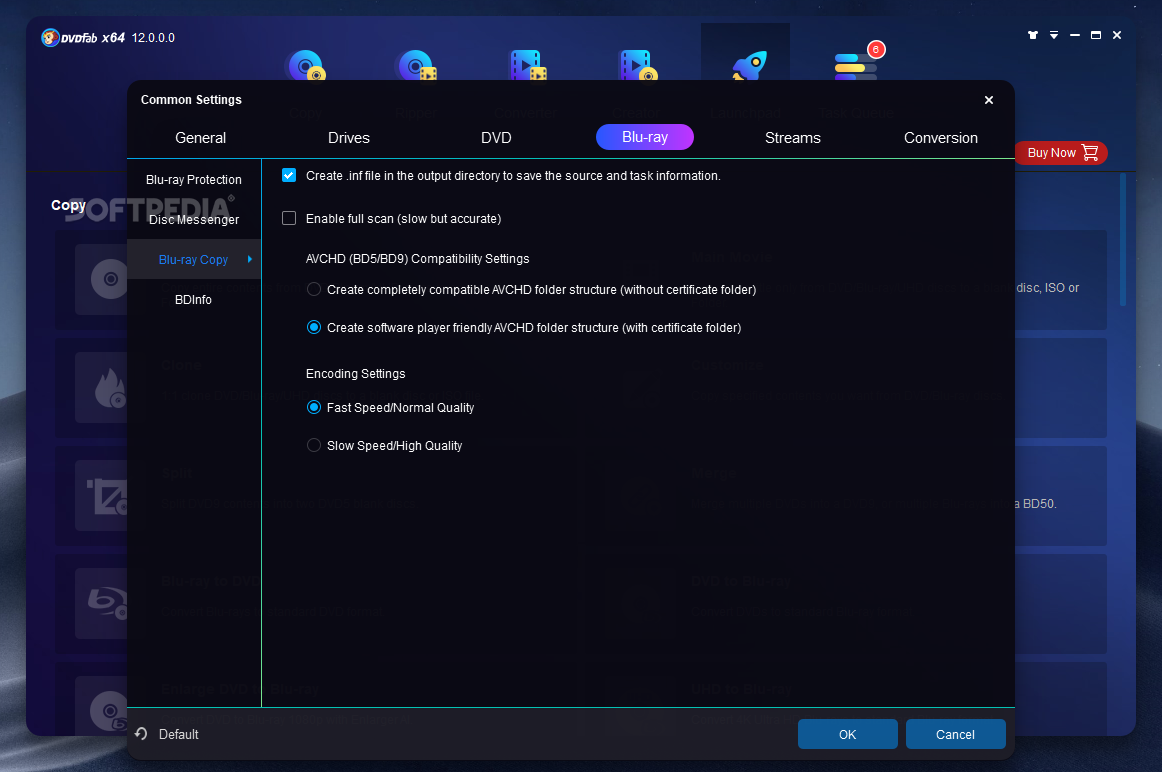
ScreenShots 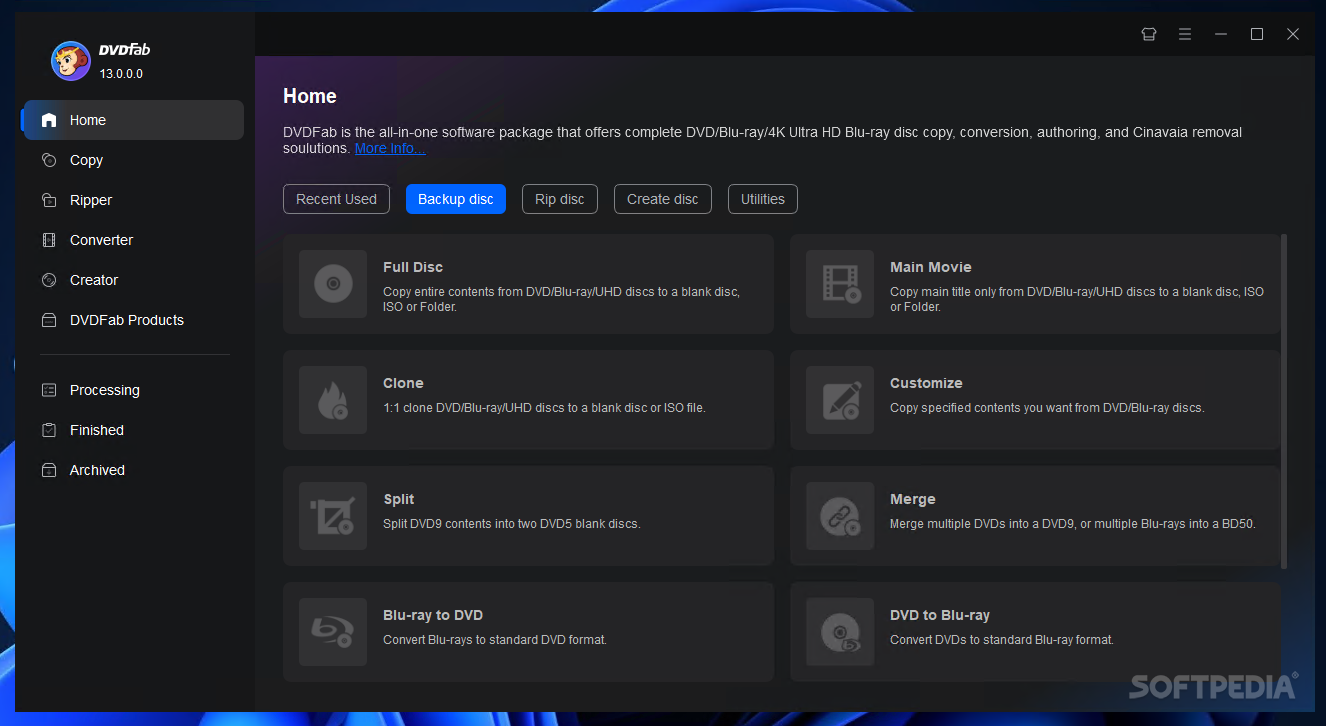
.
.. 
.
.. 
.
.. 
.
.. 
.
.. 
.
.. 
.
.. 
.
.. 
.
.. 
.
.. 
.
.. 
.
.. 
.
.. 
.
.. 
.
.. 
.
..
.
.. 
.
.. 
Homepage : http://www.dvdfab.com/dvd-to-dvd.htm
Works on : Windows 7/Vista/XP/2000/98/ME (32-bit/64-bit) / Linux (with Wine).
ภาษาอังกฤษ ดูคุณสมบัติกันแบบละเอียดครับ
FEATURES : คุณสมบัติของโปรแกรม
A. DVD to DVD : เกี่ยวกับ DVD
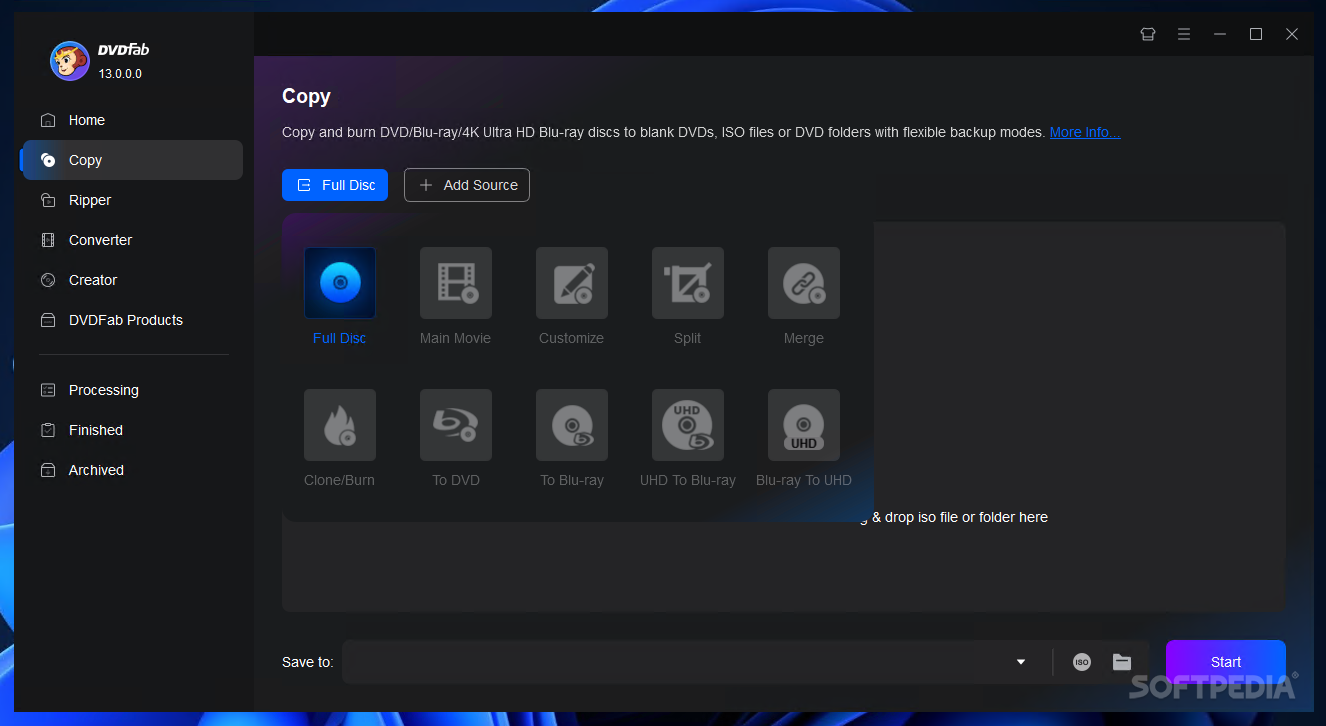
1. 8 DVD to DVD copy modes available : Full Disc / Main Movie / Split / Customize / Customize Split / Clone / Merge and Write Data.
2. Full Disc : All movies menus and trailers is copied to a DVD with just one click.
3. Main Movie : Just copy the movie with specific audio/subpicture.
4. Split : Copy a DVD-9 onto two DVD-5 discs with 100% quality and preserve original menus on both discs. Ideal for episodic/season DVD movies / TV series / etc.
5. Customize : Personalize your DVDs! Want to make a DVD with only your favorite titles? How cutting out those annoying commercials? Or selecting specific audio/subpicture? No problem! You can select just your favorite titles specify the title playback order with or without original menus to create a DVD with only the stuff you want!
6. Customize Split : Copy a DVD-9 onto two DVD-5 discs using Customize way. Ideal for episode/season DVD.
7. Clone : Make perfect 1:1 bit-to-bit copy of DVDs :
* Make perfect dual layer DVD copy by using the original layer break position.
* Copy data DVD disc like PS2 DVD.
8. Merge : Combine several titles of several sources into one DVD :
* Combine two DVD-9 like & quot The Lord of the Rings& quot into one DVD-9.
* Merge season DVDs to fewer discs.
* Create your own special features collection disc.
9. Write Data : Burn existing DVD folder or ISO image file to DVD writer or convert DVD folder to ISO image file.
10. Burn to any blank DVD Disc (DVD+R/RW | DVD-R/RW | DVD+R DL | DVD-R DL).
11. Constantly d to support latest DVD burners and blank DVD discs.
B. Benefits : ประโยชน์
1. Remove all DVD copy protections like CSS / CPPM / RC / RCE / APS / UOPs / ARccOS / RipGuard / FluxDVD / CORE X2 / etc.
2. Constantly d to support latest DVD copy protections.
3. Very fast copying speed normally it s 10 - 20 minutes.
4. Backup scratched/dirty disc :
* Even if some information (IFO) cannot be read you can still copy Main Movie or Customize.
* Recovery from DVD reading (VOB) error.
5. Support both NTSC and PAL DVD.
6. Preview title like real DVD player.
FEATURES : คุณสมบัติของโปรแกรม
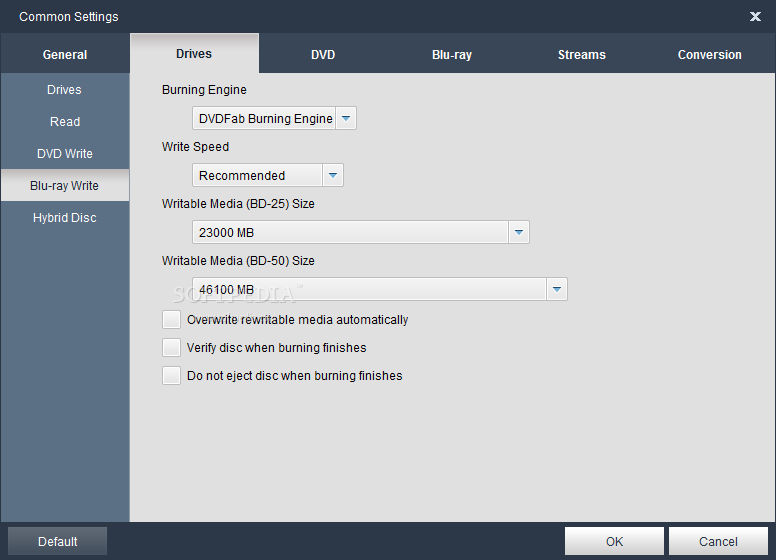
1. 4 Blu-ray to Blu-ray copy modes available : Full Disc / Main Movie / Clone and Write Data.
2. Full Disc : All movies / menus and trailers is copied to a Blu-ray with just one click.
3. Main Movie : Just copy the movie with specific audio/subpicture.
4. Clone : Make perfect 1:1 bit-to-bit copy of Blu-ray.
5. Write Data : Burn existing Blu-ray folder or ISO image file to Blu-ray writer or convert Blu-ray folder to ISO image file.
6. Very fast copying speed.
7. Burn to any blank Blu-ray Disc (BD-R 25 / BD-RE 25 / BD-R 50 / BD-RE 50).
8. Constantly d to support latest Blu-ray burners and blank Blu-ray discs.
9. Remove all known AACS copy protections.
10. Removes BD+ copy protection.
11. Remove Region Code and BD-Live.
12. Constantly d to support latest Blu-ray copy protections.
13. Include internal UDF 2.50 parser to read Blu-ray no need to install third party driver.
14. Open Blu-ray from disc ISO image file or folder.
15. Support both NTSC and PAL Blu-ray.
16. Preview title like real Blu-ray player.
Changes in DVDFab 7.0.3.2 Beta : เปลี่ยนแปลงอะไรในเวอร์ชั่นนี้บ้าง
* New : Updated language files.
* Fix : Several small issues.
* Fix : "Sherlock Holmes" cannot be compressed to DVD5.
* Fix : Failed to convert title to WMV for Xbox 360 in certain cases.
* Fix : A crash problem when using DXVA to decode VC1 video.
* Fix : A crash problem when using DXVA to decode VC1 video.
* Fix : Failed to convert title to WMV HD for Xbox 360 in certain cases.
* Fix : idx/sub files were created when choosing render subpicture directly in certain cases.
-------------------------------------------------------------------------------------------------------------------------
Credit : คนที่คุณก็รู้ว่าใคร
Sunday, April 11, 2010


Sunday, March 28, 2010
Sonne CD Copy Master Ver. 1.0.1 Build 422

Sonne CD Copy Master Ver. 1.0.1 Build 422
• คุณสามารถคัดลอกซีดีเพลงที่คุณชื่นชอบบันทึกลงฮาร์ดดิสก์ได้อย่างง่ายดาย ถึงแม้แผ่นซีดีเหล่านั้นจะถูกป้องกันลิขสิทธิ์ไว้ก็ตามที ..ฟังก์ชั่นการ Rip Audio CD เป็นนามสกุล MP3 / RAW / OGG / WAV และการประมวลผลอันยอดเยี่ยมของโปรแกรมจะทำให้คุณได้รับพลังเสียงที่มีคุณภาพ ใสปิ๊ง! กันเลยทีเดียวครับผม
Release Date : 20/03/2010 
ScreenShots 
.
.. 
.
.. 
.
.. 
.
.. 
Homepage : http://www.sonnesoftware.com/CD_copy_master/index.htm
Requirements : Windows 2000/2003/XP/Vista
ภาษาอังกฤษ ดูคุณสมบัติกันครับ
Function : ฟังก์ชั่นการทำงาน
• Copy both audio CD and data CD with best quality.
• Rip audio tracks from a personal CD and save them to your hard drive in various digital audio formats like RAW OGG MP3 and WAV music files.
• Extract digital audio tracks from an audio CD into sound files on your hard disk.
• Write files to CD-R media.
• Erase the old data from CD-RW.
• Name the files which you want to rip using information received from the CDDB source.
• Change and add the information obtained from the audio sources such as name of artist album and tracks.
• Visually judge the progress of the ripping process.
• Easy-to-use and user-friendly interface.
How to Copy CD? : ขั้นตอนการ Copy CD
Step 1 : Start the CD Copy Master.
Step 2 : Insert the CD you want to copy into CD drive and a blank CD into CD writer. CD Copy Master will automatically load CD data.
Step 3 : Select read driver read speed write driver and write speed from related drop lists.
Step 4 : Tick the check box of options you desired to respond each operation.
Step 5 : Click "Start" button to copy CD.
========================================================================
Credit : คนที่คุณก็รู้ว่าใคร
Aurora MPEG to DVD

Aurora MPEG to DVD Burner Ver. 5.2.43
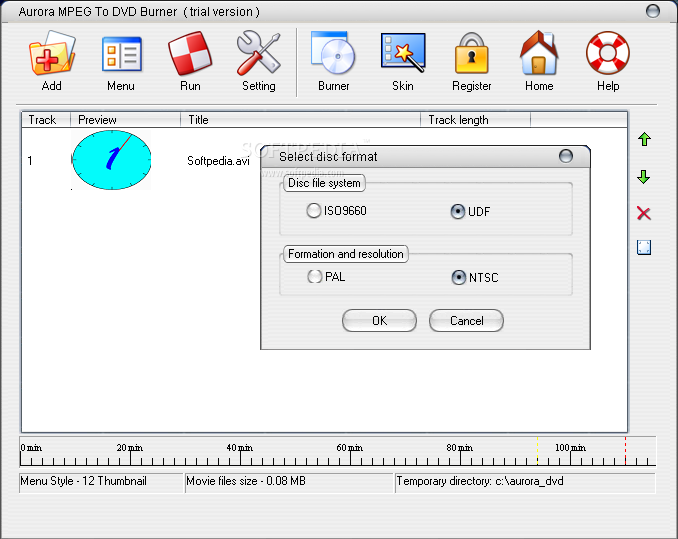
สามารถเบิร์นไฟล์นามสกุล AVI และ MPEG ลงแผ่น DVD-R | DVD+R | DVD+RW | DVD-RW เพื่อให้คุณนำไปเปิดดูกับเครื่องเล่น DVD Player ยี่ห้อต่างๆ ได้ทุกรูปแบบเลยครับ ^__^
Release Date : 21/03/2010 
ScreenShots 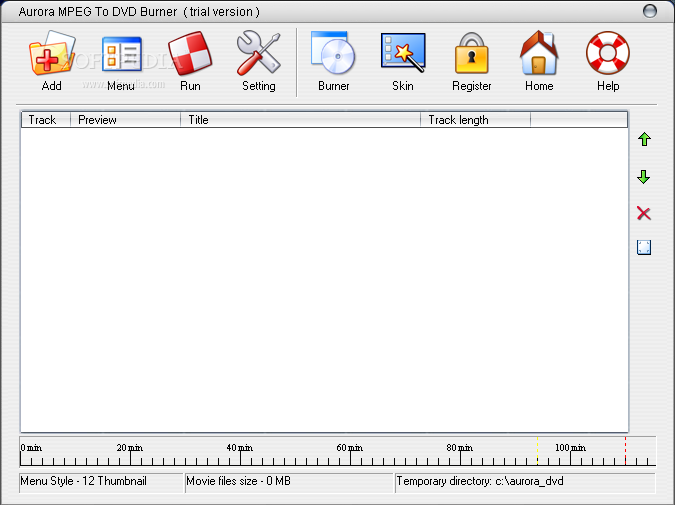
.
.. 
.
.. 
.
.. 
Homepage : http://www.mediatox.com/aurora-mpeg-to-dvd.htm
Requirement : Windows 98/Me/2000/XP
ภาษาอังกฤษ ดูคุณสมบัติกันครับ
Key Features : คุณสมบัติของโปรแกรม
- Burn your Mpeg files to DVD using rewritable DVD writers.
- Support DVD-R / DVD-RW / DVD+R / DVD+RW disc.
- Built-in DVD structure creator.
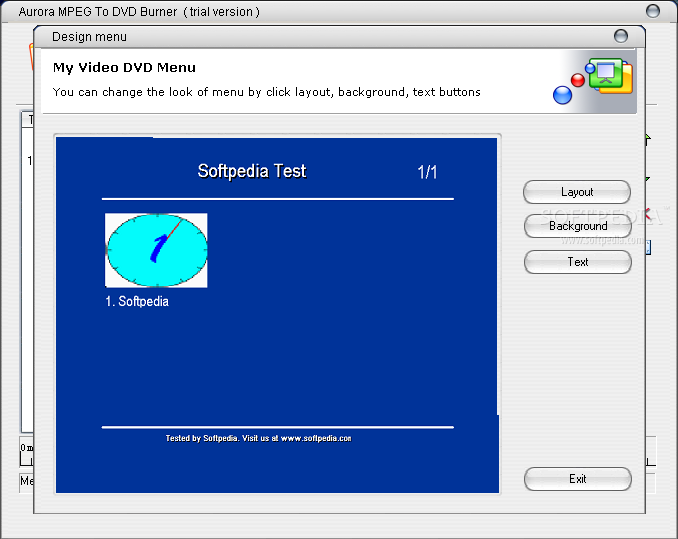
- Create menu for DVD movie and can select various layout / background / text effect.
- Video DVD Disc Auto-burner.
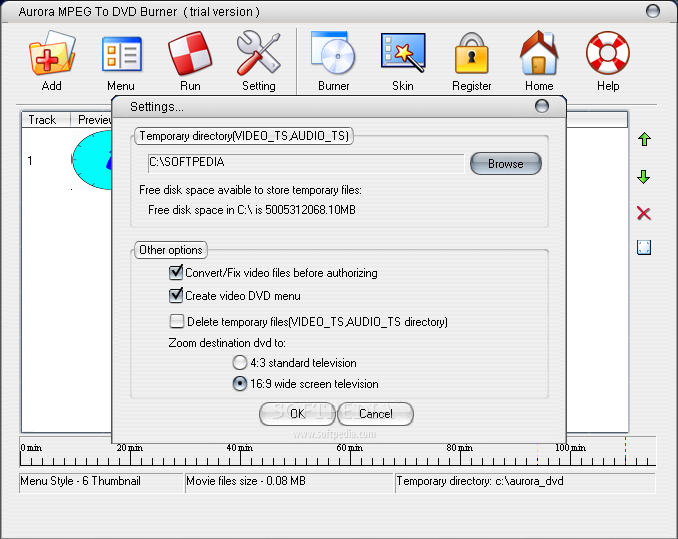
- Save DVD structure files to ISO image or temporary directory which can be burned anytime.
- Support AVI as input and automaticly convert and burn them to DVD disc.
- Video DVD Disc Auto-burner.
=======================================================
Credit : คนที่คุณก็รู้ว่าใคร
Saturday, April 4, 2009
Alcohol 120% Ver. 1.9.8.7530

Alcohol 120% Ver. 1.9.8.7530
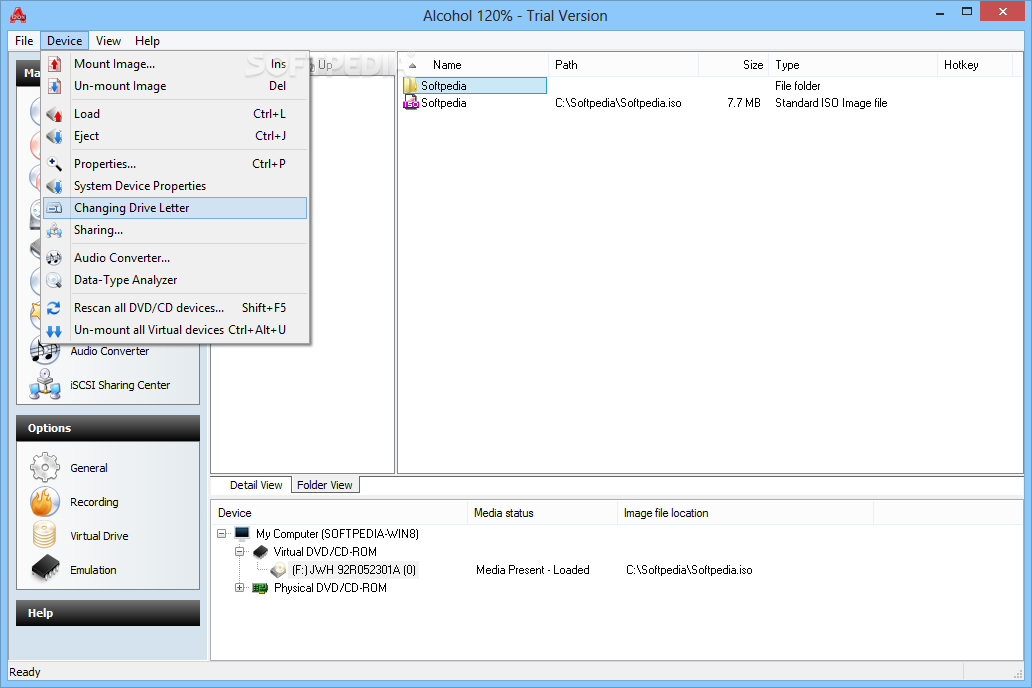
<<< ซอฟต์แวร์สารพัดประโยชน์ สำหรับเอาไว้จัดการ CD and DVD ได้ทุกรูปแบบ ..สารพัดประโยชน์ยังไงจะสาธยายให้ฟังเป็นข้อๆ ครับผม! >>>
• สามารถคัดลอกแผ่นที่ลุยได้ทุกระบบป้องกัน ทำให้คุณสร้างสำเนาจากแผ่นหนัง..เกมส์..เพลง ฯลฯ ลิขสิทธิ์อะไรต่อมิอะไรได้เยอะแยะเลยครับ!
• สร้างไดรฟ์จำลองเพื่อเอาไว้เล่นเกมส์ โดยไม่ต้องเสียตังค์ซื้อแผ่นเกมส์หรือแผ่นเปล่าเพื่อเอามาไรท์แต่อย่างใด ..ประหยัดดีม่ะ?
• จะดูหนัง หรือฟังเพลง ก็ mount เอาจาก Images Files ได้เลย สะดวกดีมั่กมั่ก!
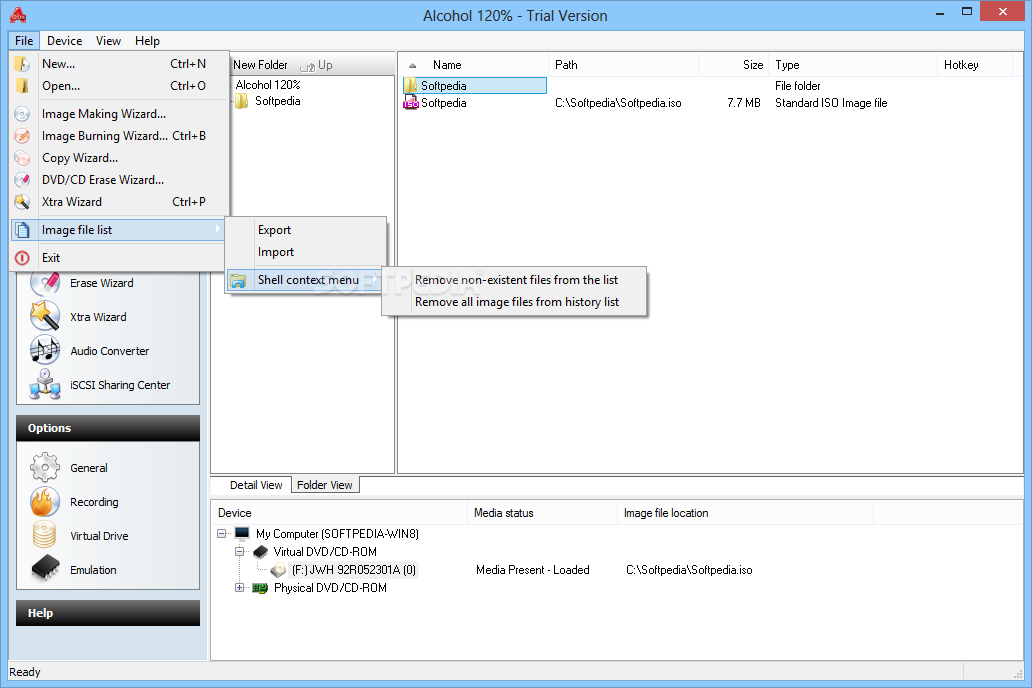
• มีฟังก์ชั่นการเบิร์นนิ่ง CD / DVD และ Blu-ray disc ติดมาให้ด้วย สำหรับเวอร์ชั่นใหม่ๆ โดยไม่ต้องไปง้อโปรแกรม Burning ต่างๆ
• ฯลฯ
Release Date : 02/04/2009
ScreenShots 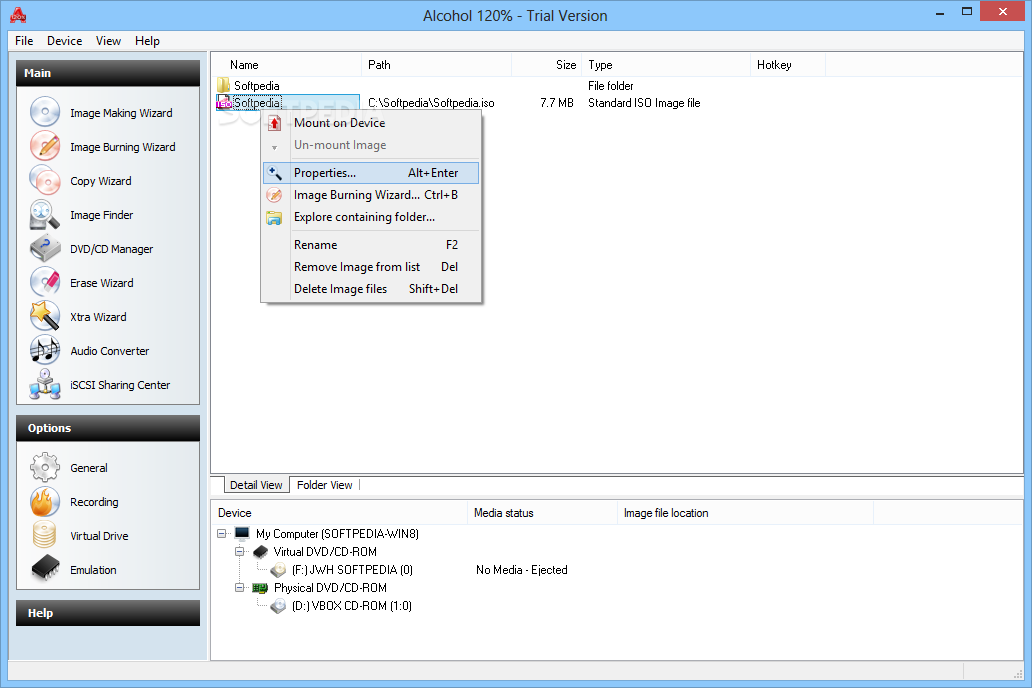
.
.. 
.
.. 
.
.. 
.
.. 
.
.. 
Homepage : http://www.alcohol-software.com/
Supported OS : Windows 95/98/ME/NT/2000/XP/Server2003/XP Professional x64 Edition/Server 2003 x64/Vista 32x and 64x operating system.
ภาษาอังกฤษ ดูคุณสมบัติกันแบบละเอียดได้เลยครับ
Features : คุณสมบัติของโปรแกรม
• Alcohol 120% : enables you to make a duplicate back-up to recordable media of nearly all your expensive Game/Software/DVD titles and/or an image that can be mounted and run from any one of Alcohol s virtual drives.
• No other software : available enables you to create up to a staggering 31 virtual drives allowing you to run your game images at over 200x faster than from a conventional CD-ROM. Alcohol 120% is a powerful utility that uses a unique combination of options to ensure a perfect back-up every time.
• All you need is a PC : combined with a CD or a DVD burner. No more replacing your expensive original discs due to loss theft scratches or other media imperfections. Your duplicate works just like the original your entire collection can be archived and your investment protected.
• In the home : Have you had experiences with the common conditions of CDs/DVDs? They can easily get scratched damaged broken lost or even stolen. Alcohol provides you with peace of mind and protects your investment.
• Your original games/program discs : can be safely stored away. Alcohol-created images mean that you always have your expensive media stored safely on your hard drive for instant retrieval at the click of a button. No more searching for the correct game disc or software application install disc everything is at your fingertips.
• You can now : for instance simultaneously play your favourite game and bring up your route planner without having to eject and reload any physical discs The 31 virtual drive ability of Alcohol means you can have the equivalent of a staggering 31 CD-ROM drives in your Home PC all instantly accessible. You can simply and quickly run your Disc image at around 200 times faster than that of a conventional CD-ROM drive. If you need a program or CD it is immediately there - always ready to use!
• At the office : Program discs and many other applications generally require the original disc to be in the computer s CD-ROM drive. This restricts the amount of people in your office who can have access to the same software at the same time without the cost of additional discs. Alcohol s virtual drives resolve that problem for you. No more hunting around the offices for that elusive disc you need to run your application everything you require is just a click away.
• With Alcohol : you can store your CD images on your office server your colleagues and employees at their respective networked workstations will never need to come asking for a CD again they will not even require an expensive CD-ROM drive installed in their workstation PC! A simple click is all that is required for them to have full access to any disc image they require for their day to day work. Your valuable CDs can be safely kept under lock and key.
• Does your company have a promotional CD for it s customers? : Original pressed discs are expensive using the Alcohol 120% writing engine you can copy the original to inexpensive blank discs for distribution to your customers and keep your overheads down.
• Alcohol software : offers unrivalled usage to people from all walks of life regardless of if you are a hardened game player busy school teacher salesman IT manager student etc. Alcohol has a niche in all your everyday computer needs. Let Alcohol help you to help yourselves and give you the peace of mind you deserve when it comes to expensive PC media.
Changes in version 1.9.8.7530 : เปลี่ยนแปลงอะไรในเวอร์ชั่นนี้บ้าง
- UPDATE Read and Write engines
- UPDATE Language files
- UPDATE Devsupp.dll offering support for more drives
- UPDATE A.C.I.D to V 1.1.9040
- FIX User reported bugs
===============================================
Thursday, January 29, 2009
BurnAware Free

BurnAware Free Ver. 2.2.6 Beta
BurnAware Free โปรแกรมเขียนแผ่น CD/DVD/Blu-ray Disc จากค่าย BurnAware ..ด้วยฟังก์ชั่นการใช้งานที่เรียบง่าย หน้าตาของโปรแกรมดูเป็นมิตร ไม่ซับซ้อน ทำให้ท่านไม่ต้องเสียเวลาไปกับการศึกษาโปรแกรมนี้แต่อย่างใด.. คุณภาพที่ได้หลังจากการเบิร์นแผ่นด้วยโปรแกรมนี้ก็เข้าขั้นยอดเยี่ยมเลยทีเดียว รับรองว่าท่านจะต้องติดใจกับความง่ายๆ ของโปรแกรมนี้อย่างแน่นอน [เบื่อใช้ Nero แล้ว ก็ลองตัวใหม่ๆ ดูบ้างครับผม] ^__^
Release Date : 28/01/2009 
ScreenShots 
.
.. 
Homepage : http://www.burnaware.com/burnaware_free.html
Supports : Windows NT/2000/XP/Vista/7 (32 and 64 Bit)
ภาษาอังกฤษ ดูคุณสมบัติกันครับ
Features : คุณสมบัติของโปรแกรม
* Create data bootable and multisession CD/DVD/Blu-ray Discs
* Create Audio CDs and MP3 CD/DVD/Blu-ray Discs
* Create DVD-Video
* Record boot disc images
* Create and record disc images
* Supports all current hardware interfaces (IDE/SCSI/USB/1394/SATA)
* Supports UDF/ISO9660/Joliet Bridged file systems (any combination)
* On-the-fly writing for all image types (no staging to hard drive first)
* Auto-verification of written files
* Supports CD-Text and unicode characters
Benefits : ประโยชน์ของโปรแกรม
* 100% Free for personal home use
* Does NOT contain any spyware / adware / banners / etc.
* Does NOT require .Net framework or service packs
* Based on the most stable and fast disc recording SDK
* Windows 7 support
๐๐๐๐๐๐๐๐๐๐๐๐๐๐๐๐๐๐๐
Monday, December 8, 2008
IsoBuster Ver. 2.5 Beta


IsoBuster Ver. 2.5 Beta
IsoBuster โปรแกรมที่เอาไว้ใช้สำหรับกู้ข้อมูล (Data Recovery) จาก CD / DVD / BD and HD-DVD สามารถรองรับไฟล์ทุกชนิด รวมไปถึงไฟล์ของรูปภาพต่างๆ มากมาย สนใจ! ลองเอาไปเล่นกันดูครับ เจ๋งจริงนะ! เออ.. 
ScreenShots 
.
.. 
.
.. 
.
.. 
Homepage : http://www.isobuster.com
Work Under : Windows 95 / 98 / ME / NT 4.0 / 2000 / 2003 / XP & Vista
ภาษาอังกฤษลงลึกถึงรายละเอียดครับ เห็นแล้วตาลายเลย!!
Isobuster interprets CD image files such as : นามสกุลที่สนับสนุน เพียบบบ!!
*.DAO (Duplicator) *.TAO (Duplicator) *.ISO (Nero BlindRead Creator) *.BIN (CDRWin) *.IMG (CloneCD) *.CCD (CloneCD) *.CIF (Creator) *.FCD (Uncompressed) *.NRG (Nero) *.GCD (Prassi) *.P01 (Toast) *.C2D (WinOnCD) *.CUE (CDRWin) *.CDI (DiscJuggler) *.CD (CD-i OptImage) *.GI (Prassi PrimoDVD) *.PXI (PlexTools) *.MDS (Alcohol) *.MDF (Alcohol) *.VC4 (Virtual CD) *.000 (Virtual CD) *.B5T (BlindWrite) *.B5I (BlindWrite) *.DMG (Apple Macintosh) *.IBP (IsoBuster) *.IBQ (IsoBuster) *.NCD (NTI).
IsoBuster full feature list : คุณสมบัติของโปรแกรม
• Data recovery from all possible CD DVD and Blu Ray (BD & HD DVD) formats : CD-i VCD SVCD SACD CD-ROM CD-ROM XA CD-R CD-RW CD-MRW ... DVD-ROM DVCD DVD-RAM DVD-R DVD-RW DVD+R DVD+RW DVD+MRW DVD+R Dual Layer DVD-R Dual Layer DVD+RW Dual Layer DVD+VR DVD+VRW DVD-VR DVD-VRW DVD-VM DVD-VFR BD-ROM BD-R BD-R DL BD-RE BD-RE DL BD-R SRM BD-R RRM BD-R SRM+POW BD-R SRM-POW BDAV BDMV HD DVD-ROM HD DVD-R HD DVD-R DL HD DVD-RW HD DVD-RW DL HD DVD-RAM HD DVD-Video ... And the list continues ...
• All device access media access data gathering and interpretation is done exclusively by the software. It does not rely on Windows to provide or interpret the data and so can work completely independent from Windows limitations.
• Better Error handling and several retry-mechanisms to aid you in getting the data anyway.
• The use of both generic and alternative ways to get to the data get the best out of your CD/DVD-ROM drive.
• The use of primary and secondary file-systems to get to the data and/or make use of file system data that might be ignored or ‘forgotten’ by popular OS. Explore the alternatives.
• CDs stay readable after problems (such as Buffer Under-run ...)
• Read / Extraction from open sessions.
• All sessions including older ones are accessible and can be recovered.
• Supports mounting several virtual sessions inside a single DVD+RW or DVD-RW track
• Read and Extraction of files CD/DVD images tracks and sessions from all optical media.
• Scanning for lost UDF files and folders. More on UDF recovery.
• Scanning for lost ISO9660 / Joliet sessions.
• Scanning for files based on their file-signature
• Scanning for IFO / BUP / VOB file-systems on VIDEO and AUDIO DVDs
• Find lost data on CDs DVDs BDs or HD DVDs created with integrated drag and drop applications otherwise also known as packet writing software. Optimized but not exclusive for : Roxio Direct CD Roxio Drag-to-Disc Ahead / Nero InCD Prassi / Veritas / Sonic DLA VOB / Pinnacle Instant-Write CeQuadrat Packet CD NTI FileCD BHA B s CLiP Mircrosoft Windows XP and VISTA Sony abCD ...
• Support for Direct CD compressed files. Decompression on the fly.
• Built in UDF Reader UDF 1.02 (e.g DVDs) UDF 1.5 (e.g. Packet writing on CD-R DVDR CD-RW and DVDRW) UDF 2.01 2.50 2.60 (e.g. BD-R SRM+POW) ...
• Find lost pictures created and saved to CD or DVD with Sony Mavica other digital cameras or other devices with embedded UDF write functionality.
• Find lost movies created and saved to CD DVD BD or HD DVD with Hitachi other digital cameras or other devices with embedded UDF write functionality.
• Auto find extensions based on file content to try and give an appropriate name to an orphaned file. This built in file identifier assigns the proper extension to the file so that Windows applications can open the file. Only needed for orphaned files without a name.
• Support for Mount Rainier CD-RW and DVD+RW discs in MRW compatible and non-MRW compatible drives. Auto detection and automatic remapping which can be switched off or forced at all times. Built in MRW remapper / reader. (Built in Method 3 remapper)
• Support for formatted CD-RW discs mounted in very old drives that do not know the CD-RW fixed packet format yet. Auto detection and automatic remapping which can be switched of or forced at all times. Built in Method 2 remapper.
• Built in HFS Reader supporting HFS and HFS+ the Apple Mac file systems.
• Transparent built in support for Mac Resource Fork extensions in the ISO9660 File-System
• Transparent built in support for Mac Resource Fork extensions in the UDF File-System
• Supports multiple Mac Partitions on one medium (e.g. multiple partitions on a CD or in a dmg file)
• Includes a vast range of features for Mac files support on PC (HFS ISO9660 UDF) including Mac Binary extraction of files.
• Recover data from blanked or quick formatted DVD+RW media.
• Mpg (*.dat) Extraction and dat2mpg in one from SVCD and VCD
• Ability to create managed image files (*.IBP / *.IBQ).
• Enormous file system coverage and different ways to use them all (find the one suited best for your needs). CDs and DVDs often have different file-systems pointing to the same files. This offers possibilities.
• Rock Ridge (e.g. for Commodore users Server use etc.)
• Finds VIDEO and AUDIO IFO / BUP / VOB file-systems independently from other file-systems
• Transparent support for (open) DVD+VR(W) discs remapping of the content etc. Open +VR discs files can be seen and extracted right away.
• Show (and allow to extract) the Nero project file if available on the optical disc
• Support for the CD-i file-system and the different behavior from drives trying to mount a CD-i disc.
• Information and file system properties (a must for FS developers)
• CD/DVD/HD DVD/BD Surface scan to see if there are physical read errors.
• Opens checksum files (*.md5) and automatically verifies the image with the checksum file.
• Check if all files and folders are readable without having to extract all data to HD.
• Single sector extraction. Extraction of CD/DVD/BD/HD DVD blocks (e.g. for engineering purposes)
• Sector Viewer. Check a sector s content in IsoBuster s editor and print or save to HD. Engineers and computer savvy people find missing data making use of Sector View.
• Compile (and edit save print) lists of all files that contain physical read errors.
• Compile lists of all files including their Logical block address (ideal to find the logical play order for mp3 CDs)
• CD-Text support from CD and various image files ( *.PXI *.CCD *.B5T and *.CUE image files).
• Creation of image files (*.ibp and *.ibq *.iso *.bin *.tao)
• Creation of checksum files (*.md5)
• Creation of cue sheet files (*.cue)
• Conversion of all supported image files to bin/cue files.
• Handles opening of multi-file image files.
• Extraction of Audio tracks to wave files.
• Play audio analogue. Instruct the drive to play the audio through the analogue output.
• Ability to pause a number of seconds between retries to allow the drive to "recover" (useful for older drives in combination with marginally readable media)
• Creation of multi-file image files or disc spanning to specified size
• Support for bootable CDs and DVDs. Support for the El Torito standard.
• Perfect aid to slipstream Windows installation CDs
• Add Edit Delete files found based on their signatures.
• Show file extents. (Show the different parts of a file when it is fragmented on disc)
• Ability to add/edit extents on custom created files (e.g. Lost and Found and Customizable file system)
• Ability to add a customizable file system (where you can add edit files for engineering purposes)
• Support for command line parameters
• Comprehensive help file (also available online)
Changes in IsoBuster 2.5 Beta : เปลี่ยนแปลงอะไรในเวอร์ชั่นนี้บ้าง
Changes : เปลี่ยน
* FAT12 FAT16 and FAT32 support
* Show deleted files and folders from the FAT file-system immediately
* "Find Missing files and folders" now includes finding orphaned FAT folders
* "Find Missing files and folders" now includes finding FAT partitions
* Ability to automatically check the boot image file to see if it contains FAT and list its files and folders if available (needs to be turned on in the options)
* Recognition of BDAV files via their signatures during a scan for missing files and folders
* Custom remappping - Jump Offset and Jump Value - Via Options [Business] feature for professionals
Improvements : พัฒนา
* Ability to show and use only short file-names from the FAT file-system
* Various options related to mounting and scanning for FAT files and folders
* Added more file-types to the file recognition by signature functionality
* Via Windows itself right click image file "Extract" feature implemented
* Added *.dsk *.ima *.vhd and *.vfd support when opening disk image files (these files when they contain FAT will open just fine)
* Date / Time and Size can now also be exported to a file-list
* Changed various default options on a system that hasn t had IsoBuster (recent version) installed yet
* Installer will ask to close IsoBuster when already running to avoid Windows overwrite errors (Installer error 5)
* Display text in the listview (right pane) when folders are empty to avoid confusion
* Various other GUI improvements and changes
Fixes : ปรับปรุง
* Fixed incorrect length for some boot image file-names
---------------------------------------------------------------------------------------------------------------------------------------
IsoBuster is an award winning highly specialized and easy to use CD and DVD data recovery tool.
---------------------------------------------------------------------------------------------------------------------------------